










Full SPH CYL AXIS Tracking
Dedicated prescription database.
Zero Downtime Sales
SQLite WASM ensures 24/7 reliability.
Multi-Window Consistency
Real-Time data sync across all registers.
Auto-Invoicing
Sequential audit-ready invoice numbering.
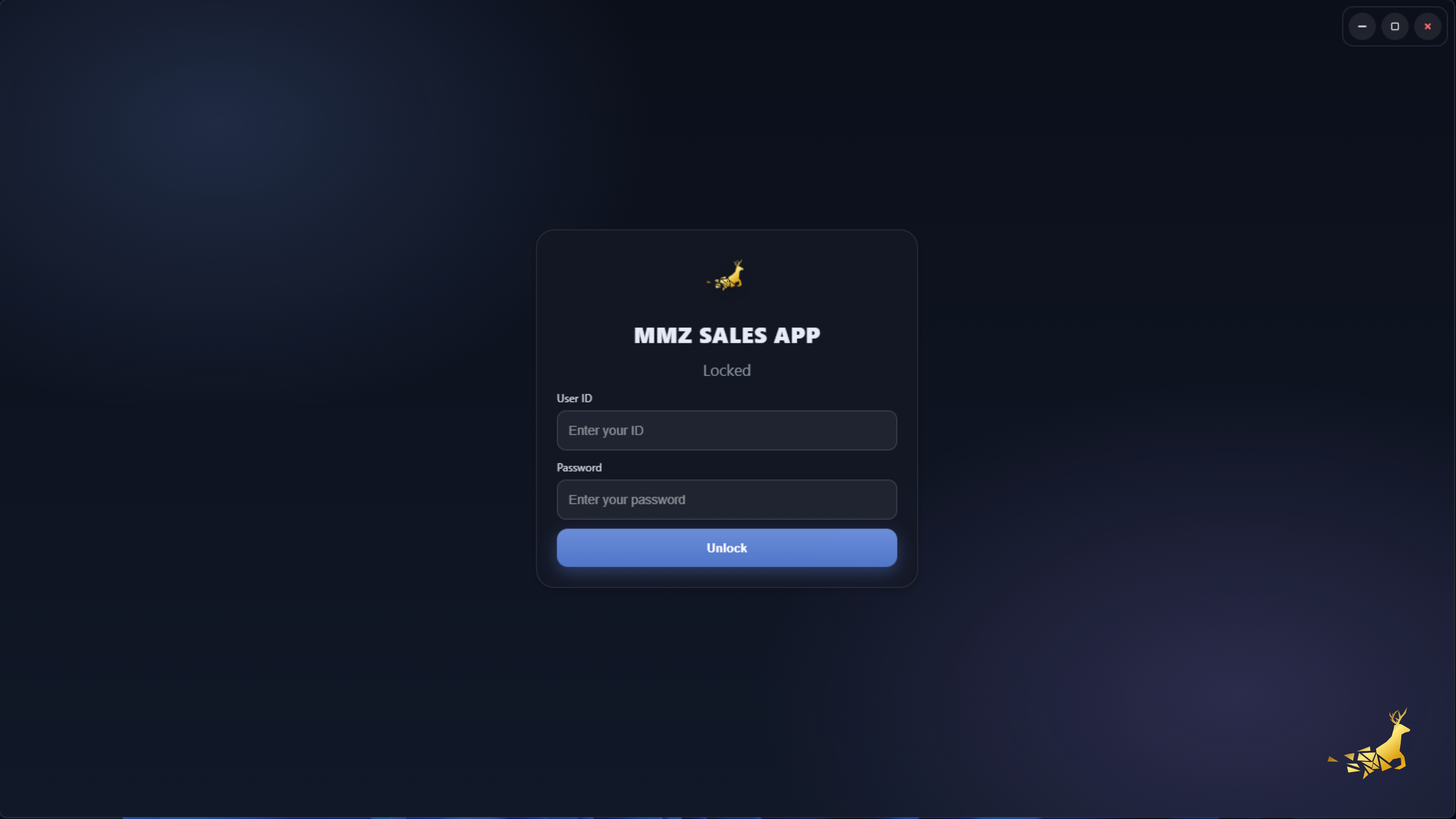
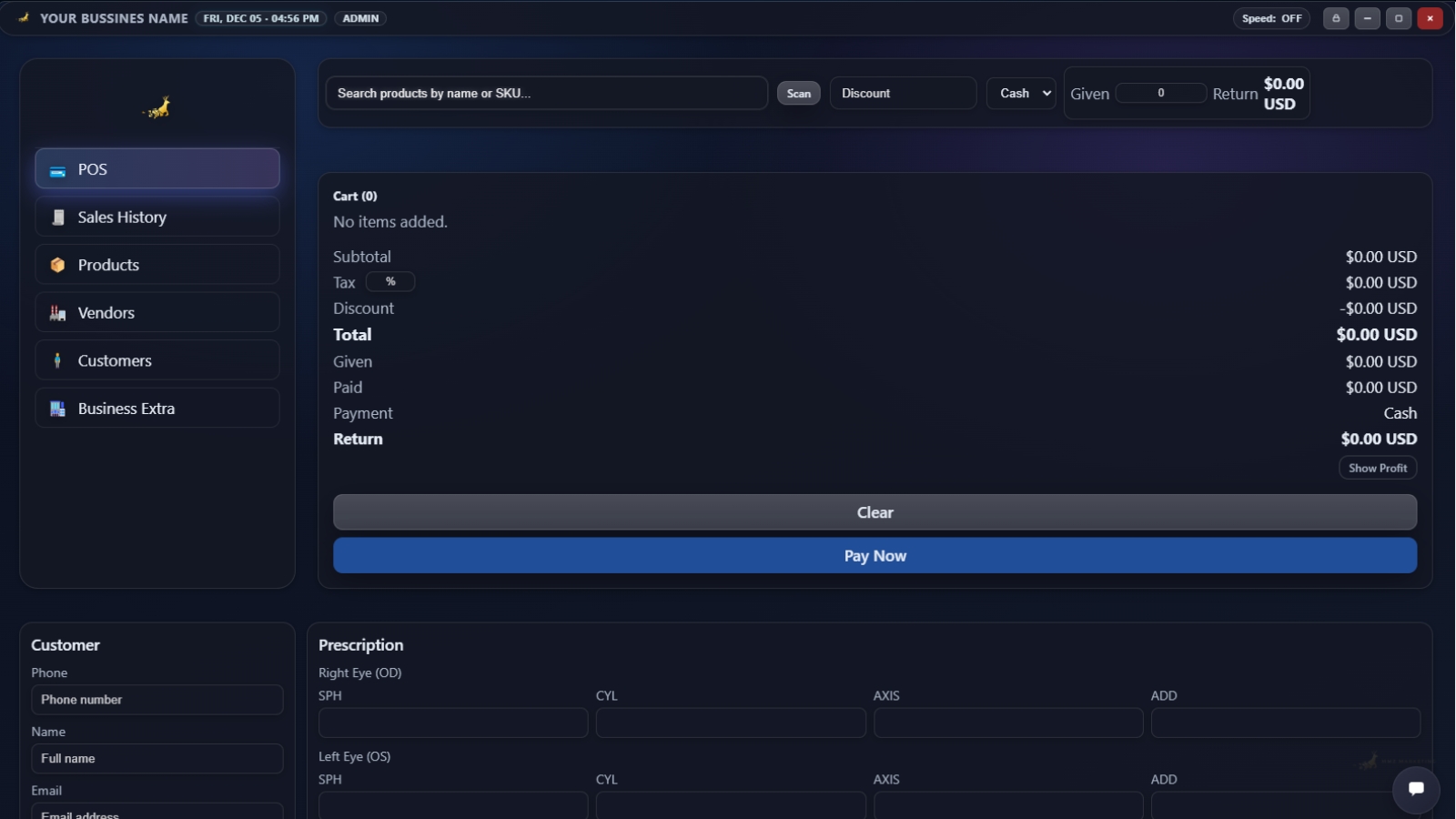
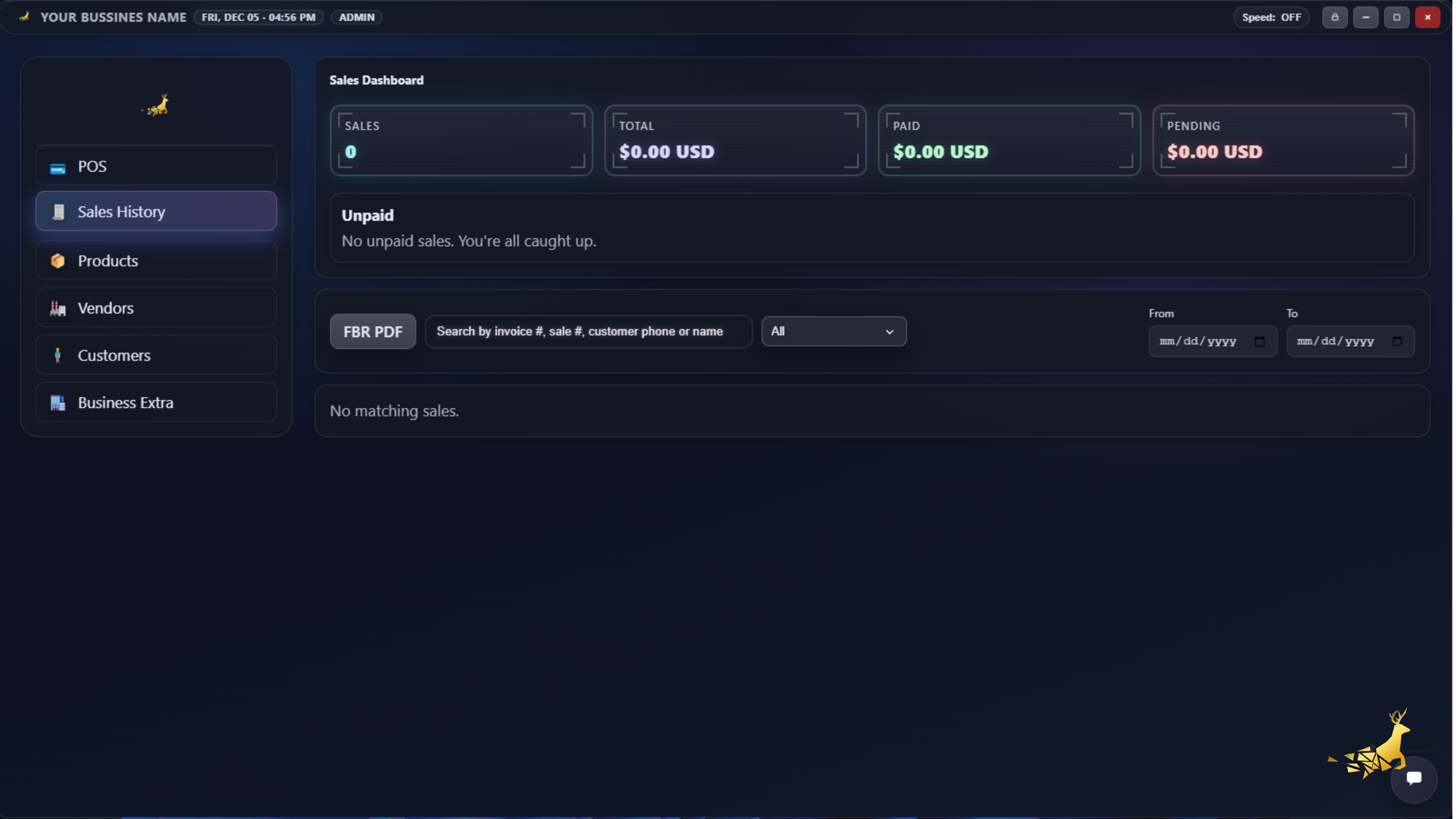
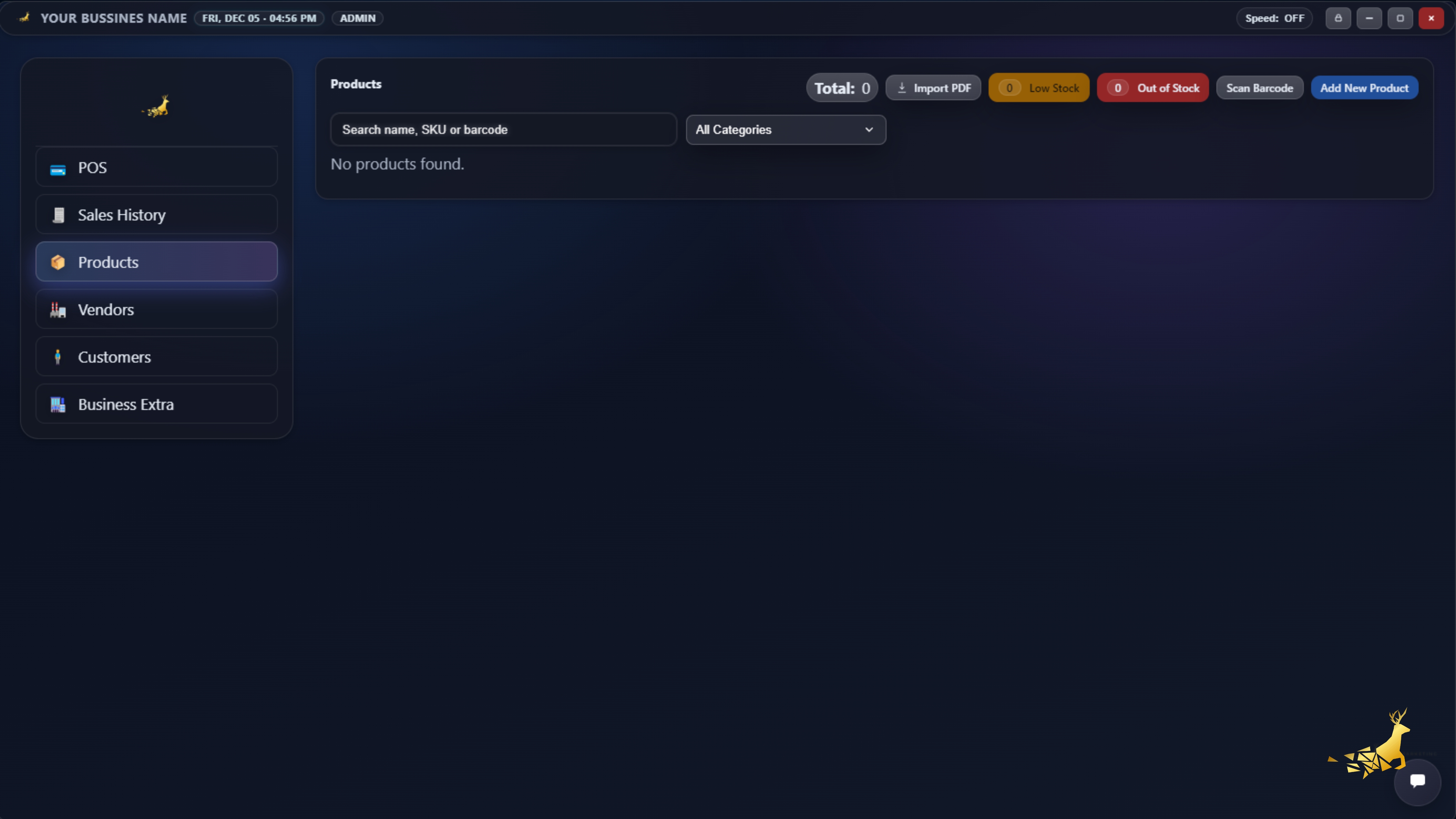
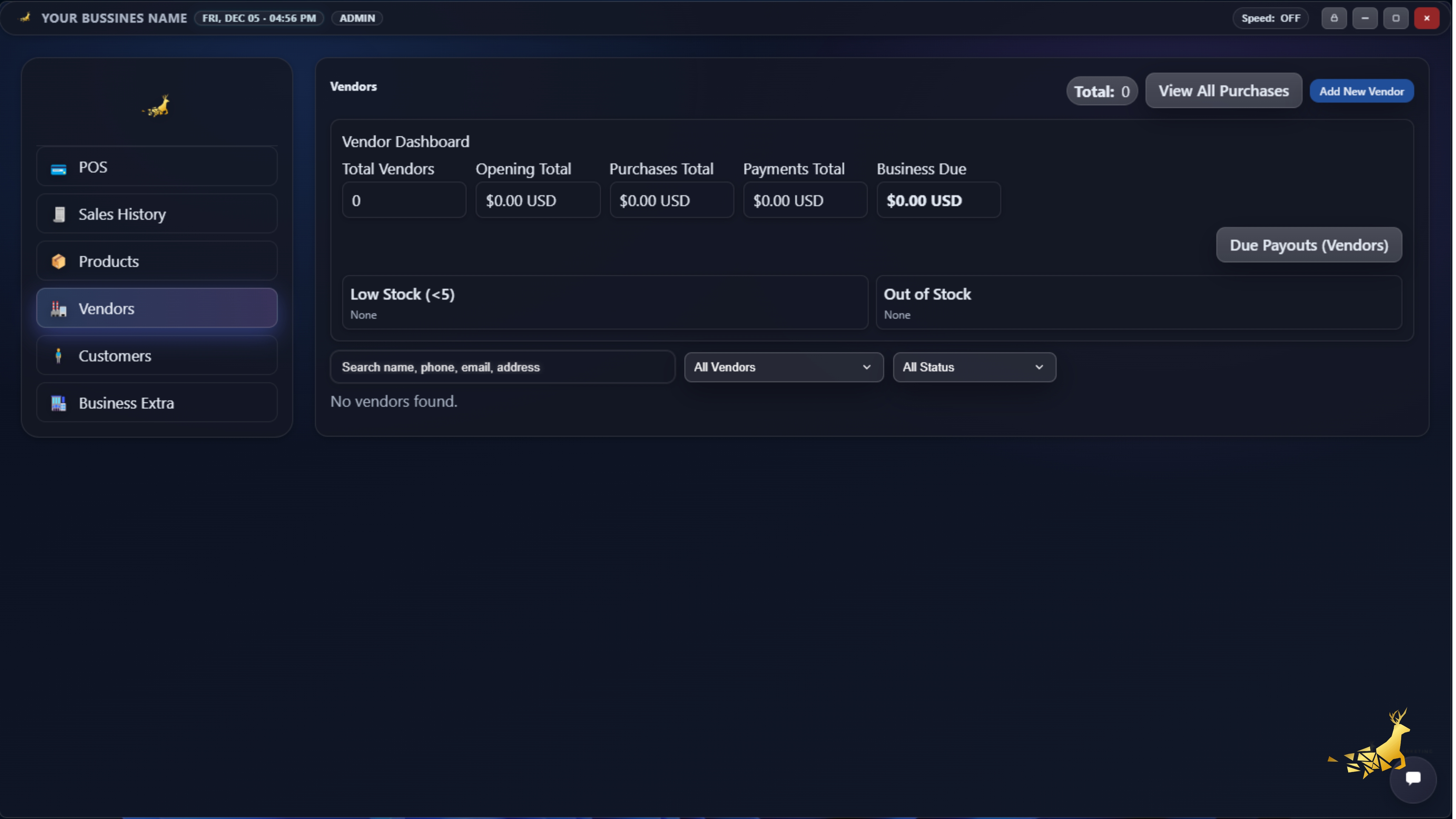
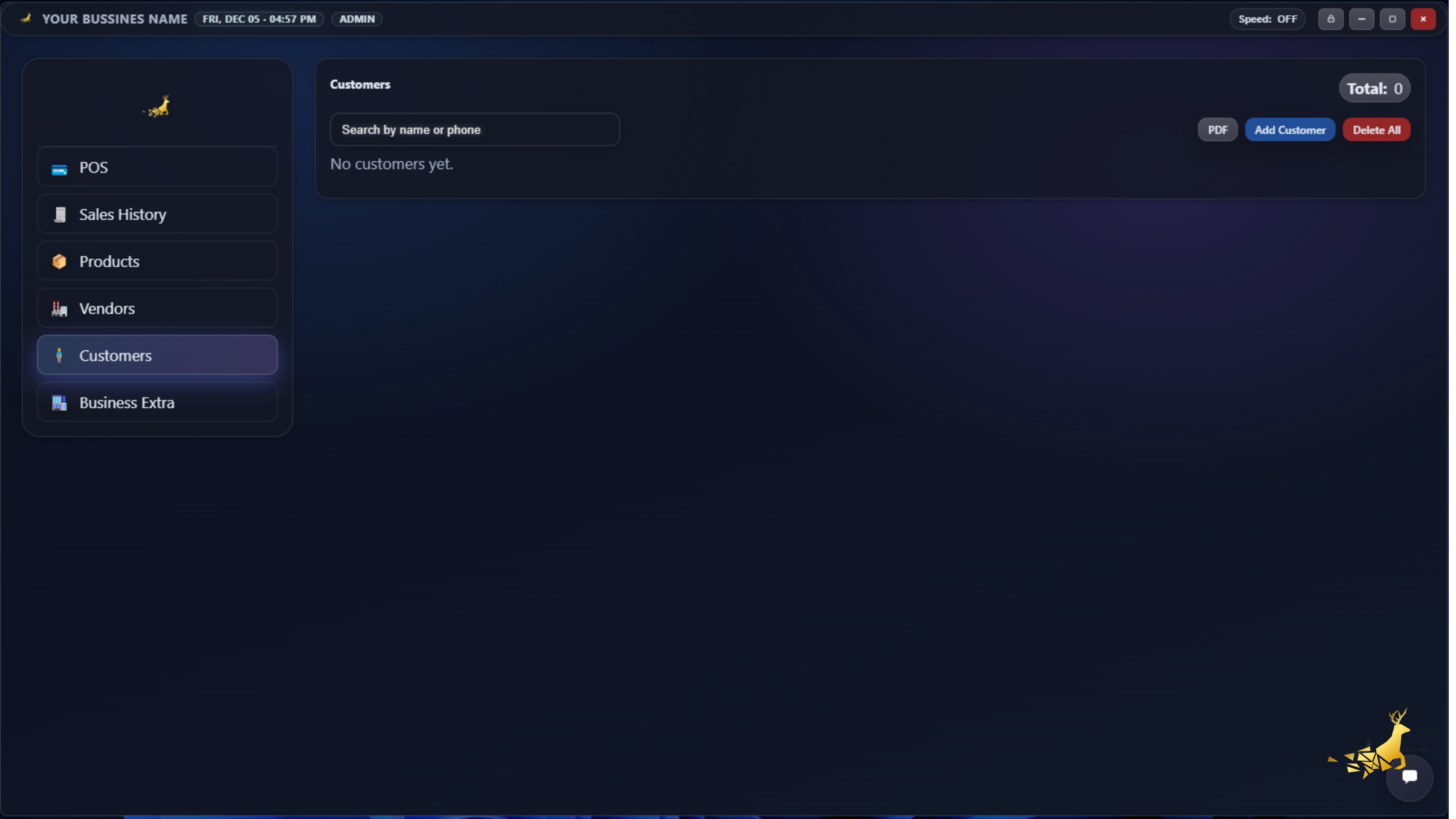
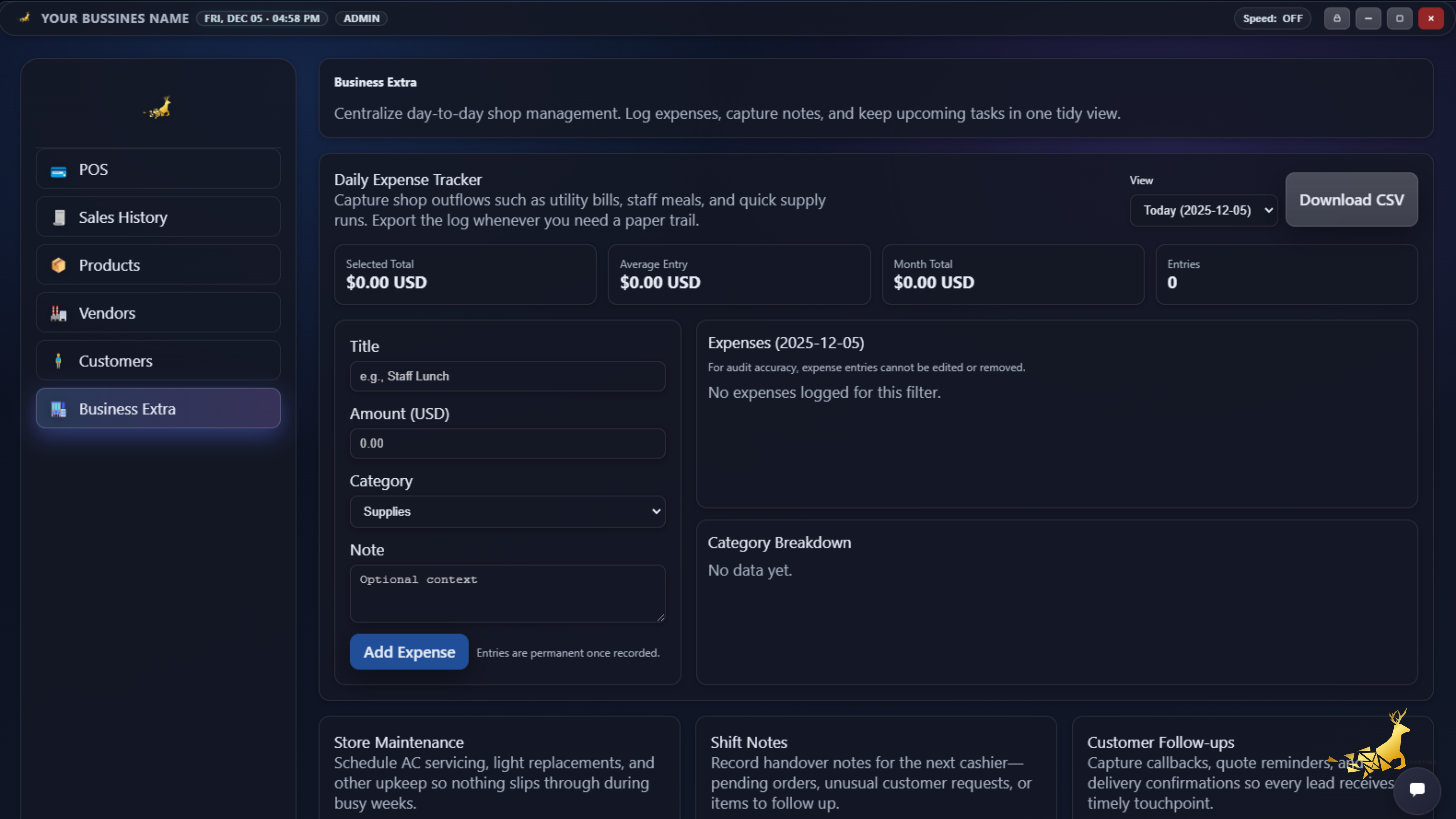
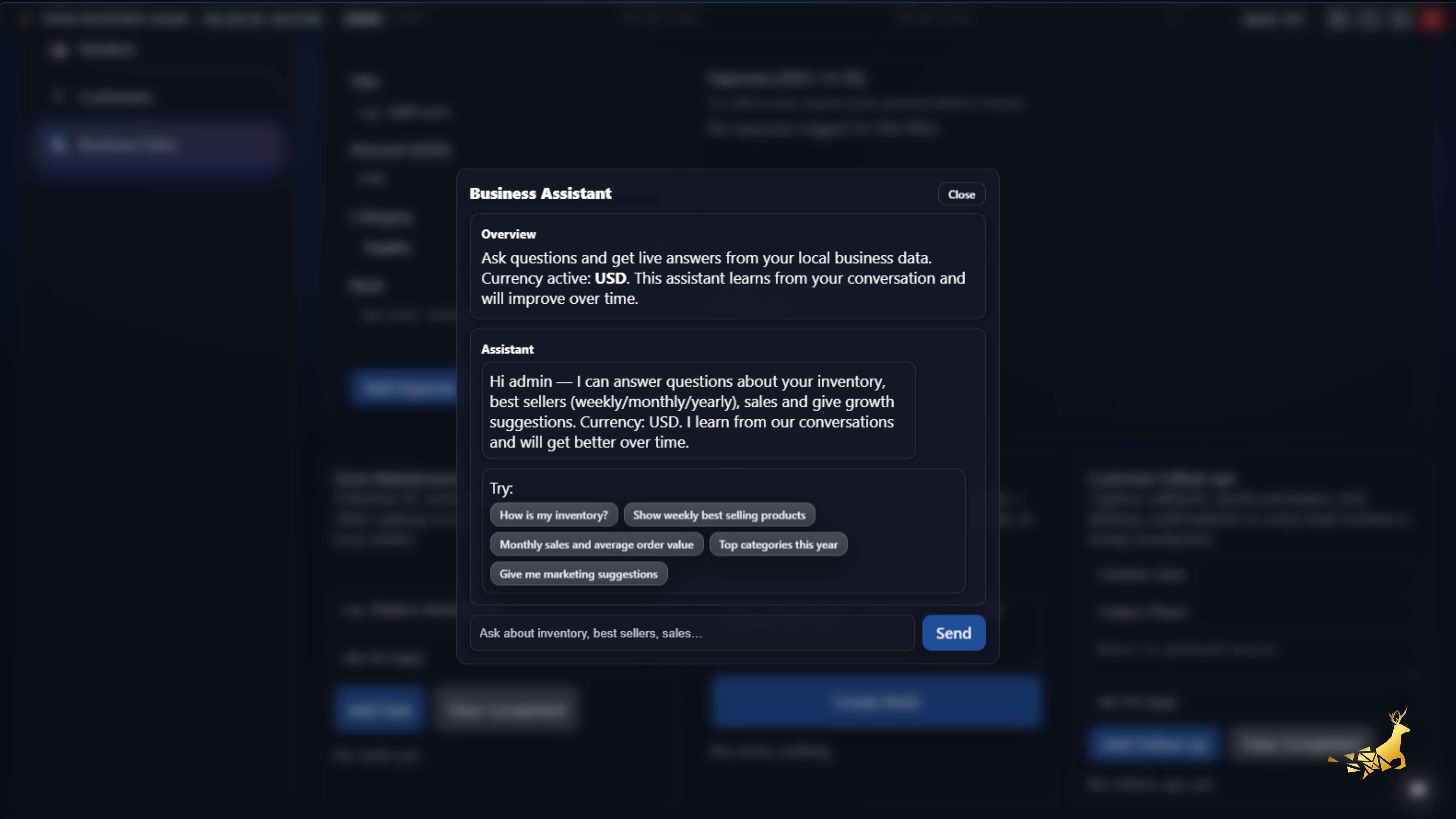
Unified Commerce Interface in Action
A glimpse into the user experience: The Youtube Demo Video Is not updated but screeshot is updated and you can add anything free custom Options
Engineered for Reliability: Offline-First
Core Technology & Installation
MMZ POS is an offline-first system. All data resides locally using SQLite eliminating cloud dependencies for daily operations including crucial prescription retrieval.
-
Renderer & Frame: Built with Electron (frameless window) and React + Vite for a native feel.
-
Local Storage: Utilizes
sql.js(SQLite WASM) for the main database file (`app.db`). -
Installation & Updates: NSIS installer (`mmz pos-
-Setup.exe`) handles setup and auto-updates while ensuring data is always preserved.
Real-Time Sync & Integrity
Guaranteed data consistency across multiple open application windows in real-time. Crucial for multi-register environments in busy practices.
-
Sync Mechanism: Primary sync via
BroadcastChannelwithmeta timestampspolling as a reliable fallback for real-time updates of products vendors and feature flags. -
Data Integrity: Uses WAL journal mode. Auto-updates
updated\_atanddirty flagsvia DB triggers. -
Error Handling: Main process crash protection and React renderer error boundaries. Uses defensive `ALTER TABLE` logic for safe schema migrations.
Data File Location: Documents/MMZPOSData/app.db
Core Modules & The Prescription Advantage
Customer Data and Details
Centralized management of customer profiles tracking their purchase history and optical journey.
Key Features
- Unified View: Purchase history RX history and contact details in one screen.
- Fast Search: Locate records by Name Phone and Customer ID.
- Optical Journey: Quick access to previous prescription dates and lens type purchases.
POS & Optical Sales Engine
Fast cart operations ability to attach customer RX history at checkout and reliable refund tracking.
Key Features
- Add by barcode or search. Tracks subtotal discount tax total.
- Auto invoice numbers (INV#### sequence) for sales reporting.
-
Refunds link via
parent\_sale\_idmarked clearly in reports. - Customer attachment by phone number (auto upsert) at sale time.
Frames Lenses & Stock Control
Track inventory types specific to optical retail (e.g. frames by color/size lens blanks contacts).
Key Features
- Key fields: SKU name price cost stock category (Frames Lenses Contacts Accessories).
- Visual indicators for low stock (`<5`) and out-of-stock.
- Live updates using `products-touch` and broadcast sync.
Vendor & Lab Invoice Tracking
Manage lens suppliers and frame vendors with purchase order tracking and accurate dues management.
Key Features
- Tracks Opening Balance Credit Limit Purchases Payments and calculated Dues.
- Detailed vendor invoices (`vendor\_invoices` `vendor\_invoice\_items`).
- Attach vendor PDFs (stored in `localStorage`) and track banking details.
🔬 The Precision Prescription (RX) System
Go beyond basic data. This system is designed for opticians allowing highly detailed and accurate record-keeping of crucial optical measurements and history.
Optical Measurements
- Comprehensive fields: SPH CYL AXIS ADD IPD.
- Full support for Right and Left eye data.
- Data stored in dedicated `prescriptions` table.
- Customer contact and normalized phone search.
Lens & Product Types
- Lens Types: Single Bifocal Progressive (tracked with sales).
- In-place Merge Logic: Retains missing values when editing customer details (data-safe edits).
- Lens flag updates only when changed.
History & Data Safety
- History Preservation: RX history is retained even if the original customer had no prior record.
- Vendor Dues: Calculates accurately: (Opening Balance + Purchases) - Payments = Due.
Official Reporting & PDF Export
Sales & Financial Reporting
Generate official print-ready reports directly from local data including refund markings and tax breakdowns.
- Government Taxing Report: A4 format with invoice tax breakdown and audit-friendly sales data for regulatory submission.
- Vendor Report: Comprehensive ledger showing Purchases Payments and outstanding Balances.
- PDF Export: High-quality PDF saving via Electron main process (`printToPDF`).
- Profit Estimates: Feature toggle to show profit estimates directly on the dashboard.
Customer Experience & Staff Efficiency
Designed to maximize conversion at the counter. Empower your staff with tools that are fast secure and incredibly easy to learn.
- Instant Checkout: Blazing fast workflows reduce queue times and improve customer satisfaction.
- Secure Access: Mandatory lock screens ensure only authorized staff process transactions protecting your business data.
- Zero Training Gap: Intuitive UI allows new employees to start selling immediately with minimal onboarding.
- Always On: Offline-first reliability means you never lose a sale due to internet connectivity issues.
- Conversion Focus: Streamlined flows prevent cart abandonment and speed up the payment process.
Quick Start Checklist for Practices
- Set Currency (via Developer settings)
- Add Products (Frames Lenses Contacts) & Vendor
- Record Purchase & Make a Sale
- Add/Edit Customer + Precision Prescription
- Print Invoice & Generate Reports
Troubleshooting & Backup Strategy
- Backup Strategy: Manual copy of `Documents/MMZPOSData/app.db` is the primary method.
- Trouble: If slow → enable Performance Mode.
- Trouble: Blank reports → ensure at least one vendor exists.
- Installer: For unsigned installer use “More Info → Run anyway”.
Select Your Region for the Best Rates
Small Business
Essential features for high-volume single locations.
- 1 Shop
- 4 Employee Accounts
- 1 Admin Account
- Government Sales Taxing A4 Ready
- Business Expenses Tracking
- All Core Features
Pro System
Advanced analytics team management and scaling.
- Unlimited Registers / 10 Users
- Full BI & Labor Reports Suite
- **Full Prescription System (RX)**
- Multi-site Synchronization
Enterprise
Custom integration and high-volume needs.
- Unlimited Everything
- Dedicated Account Manager & SLA
- Full Read/Write API Access
- Custom Payment Rate Negotiation
- Custom Adding Options
- And More...